

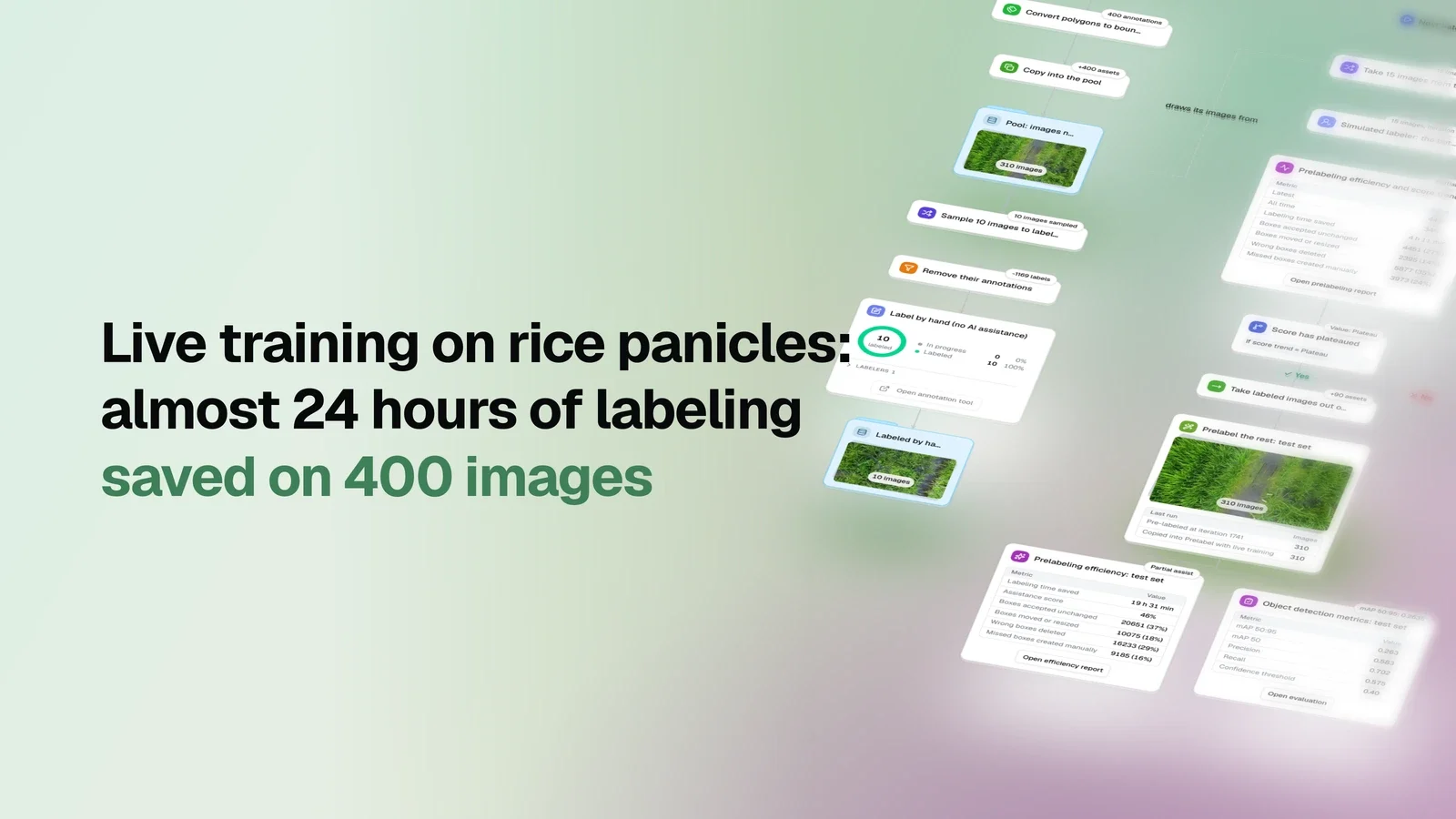
Replay a dataset you already annotated through live training to find where its score stops rising, prelabel the rest, and measure how much labeling time that saves. You label only 10 images to measure manual annotation time.
Overview
- Model: Grounding DINO - fine-tuned here by a live training session, starting from the model you pick
- Task: object detection labeling
- Input: images annotated with bounding boxes
- Pipeline: replay your annotations in batches through live training -> stop when the score stops rising -> prelabel the rest -> score the prelabels -> evaluate the trained model on the rest
- Output: assistance score per batch and the point where it stopped rising, labeling time saved before and after that point, detection metrics on images the model never trained on
When you need it
You are deciding whether live training is worth turning on for your data, and you want to know how far to take it. With live training, the model learns from every image your team labels, but at some point more labeled images stop improving it, and prelabeling everything that is left is the faster way through the dataset. This template finds that point on data you already have and measures the saving on both sides of it. A simulated labeler submits your existing annotations batch by batch, so the loop needs no one at the keyboard and nothing is labeled twice. Run it before you add the Live training module to a real labeling pipeline.
What you need
A dataset of images annotated with bounding boxes, a Grounding DINO model in your workspace, and one person to label 10 images by hand: that is the only manual work. Polygons and masks are not converted here, so convert them first if your annotations use them. Each batch takes a few minutes on a GPU, so a few hundred images are enough for a first answer.
How it works
| Step | What happens |
|---|---|
| Pool | Your images are copied into a pool of images not labeled yet. Your own dataset is never changed. |
| Manual time | 10 images lose their annotations and go to a person, and the annotation tool records how long they take. |
| Live training | A session starts from your model and fine-tunes on images as they are labeled. |
| Batch | Each round randomly selects 15 images from the pool, and a simulated labeler labels them with the session's prelabels, submitting your annotations. |
| Score trend | Each batch's prelabels are scored. The trend reads Plateau once 3 batches in a row fail to beat the best earlier batch by 2 points; both numbers are settings. |
| Loop | While the score still rises, the next round starts. On a plateau the loop ends. |
| The rest | The labeled images leave the pool, the trained session prelabels every image left, and those prelabels are scored against your annotations and evaluated as detections. |
How labeling works
Only the 10 images for the manual time need a person. They are labeled with no prelabels, so the recorded time is what manual annotation costs on your data. Label them early: the time saved is computed from it. Every other submission comes from your existing annotations.
| Step | What happens |
|---|---|
| Prelabel | The session predicts an image before it has trained on it. |
| Submit | Your annotation is submitted, as a labeler's submit would be. |
| Train | The model trains on it before the next image opens. |
What a run gives you
The assistance score of every batch, and the batch where it stopped rising: how many images were worth labeling with live training on your data. The time saved on those images, and on every image left after the plateau, measured from the trained model's prelabels against your annotations rather than extrapolated, both based on your own manual annotation time. Detection metrics on the images left: mAP, AP50, precision and recall, from a model that never trained on them. The trained weights are registered as a version of your model. The session keeps running after the run, so stop it when you have read the results.
Related templates
- Live training module - plug live training into your labeling pipeline once the numbers justify it
- Live training: quick start - label new images with live training from scratch