Role-based access
Keep your data safe with workspace roles. External labelers see only the stages they are assigned to, never the rest of your projects.
Data Annotation
Annotate images, video, 3D scans and medical volumes with AI tools, and review every label in the same flow.
Images, video, 3D point clouds, medical volumes, meshes and audio, labeled in the browser.
Boxes, oriented boxes, polygons, masks, polylines, keypoint skeletons and 3D cuboids.
Segment from one box, label from a text prompt, or pre-label with your own model.
LiDAR, cameras, GPS and telemetry fused on one timeline, with cuboid tracking across every scan.
Define classes, shapes, attributes and tags once, version them, and reuse them across projects.
Over 1,000 objects per image, 50 million points per scan and hours-long videos without cutting.
Let AI take the routine work and leave people only the hard cases, or auto-label whole datasets with models that improve on your data.
Draw a box around an object and SAM 3, SAM 2 or HQ-SAM returns a precise mask. Add positive or negative clicks to refine the edge.
Type a class name and a foundation model such as Florence-2, Grounding DINO or YOLOE labels every matching object, with no training.
Draw one box around an example and SAM 3 finds and segments every similar object in the image, from crops to products on a shelf.
Apply a model you trained in OvalBee, or any deployed model, to a whole image or a selected region. People only fix what it missed.
Label an object on one frame and Auto Track carries it through the video, or pair your own detector with a tracker.
Ground segmentation in one click, a Smart 3D Lasso that turns a circled object into a fitted cuboid, and cuboid tracking across scans.
Live training · Active learning
Label a few images and a detector starts training on them in the background. Every next image arrives pre-labeled, and each correction feeds the next training update.
Start a live training session and draw boxes as usual. The class can be anything, even one no public model knows.
The next image arrives pre-labeled. Move a box or add a missed one, and the model trains on your fix.
The live report shows how much drawing the model saves, and the weights become a model version for your flows.
Labeling interfaces
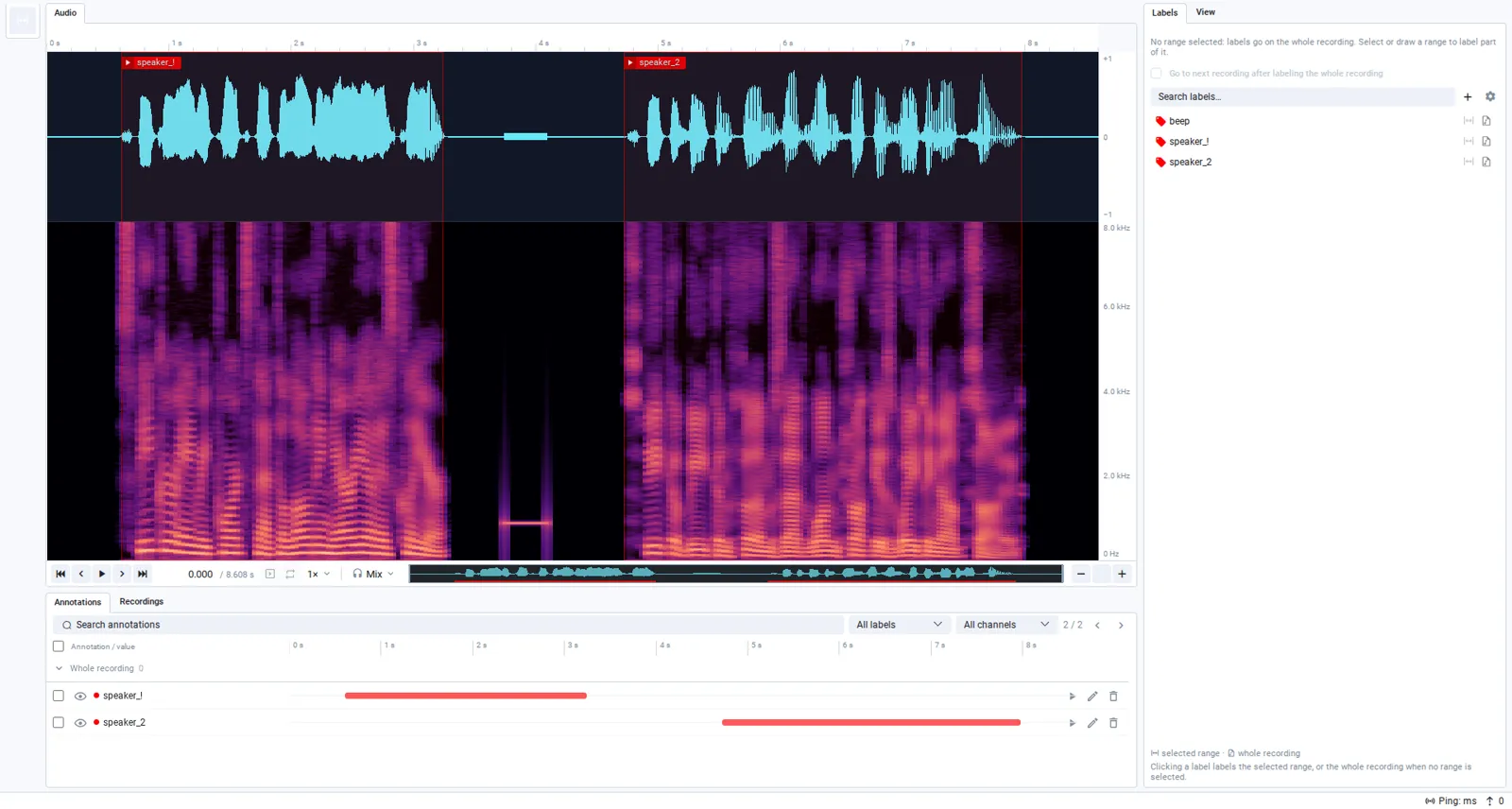
From physical AI rigs that fuse LiDAR, cameras and GPS to medical volumes, meshes, spectral bands and audio, every data type gets a view built for it.

Labeling workflows
Label and review, consensus voting or automatic quality checks: start from a ready flow, then change any stage to fit your team.
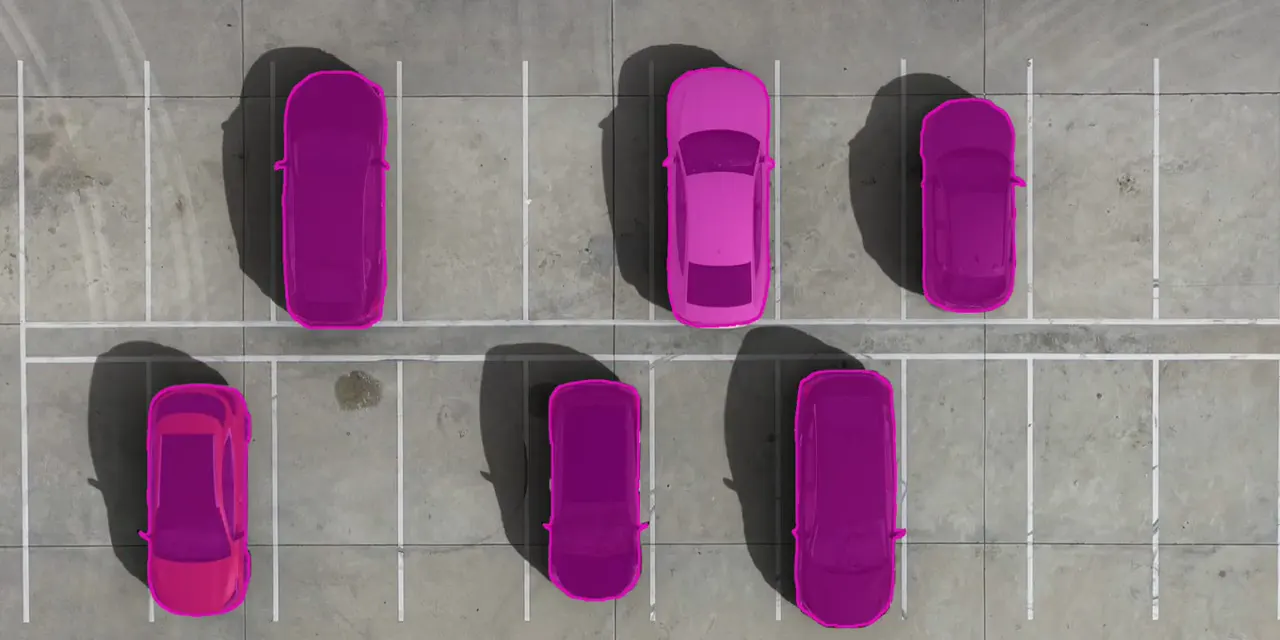
parking_0412.jpg · 12 of 20

Outcome buttons are set in the Review node, and each one sends the image to its own dataset.
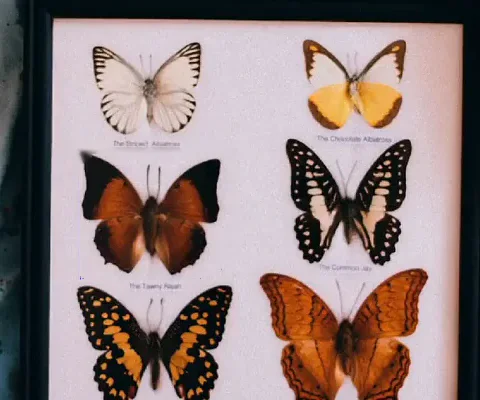
butterflies_0031.jpg · 3 reviewers
disputedVotes
Report
Failed images


Run in-house labelers with roles next to outside vendor teams. Each sees only the stages it is assigned to.
Pre-label with your model before people start, and train on accepted labels right after.
Reviewers open issues on a specific object or frame, and labelers fix them in the next round.
Built for teams
Give each person the right stage, see how the work is going, and trace every label back to the people who made it.
Keep your data safe with workspace roles. External labelers see only the stages they are assigned to, never the rest of your projects.
Track submitted work, backlog, time spent per asset, objects created and edited, and outcomes per person and class. Export any table to CSV.
See who labeled an asset, who reviewed it, why it was rejected and what changed in each round before it was accepted.
Capabilities
ImagesVideos3D point cloudsPoint cloud sequencesDICOM and NIfTI volumesMeshesAudio
BoxesOriented boxesPolygons with holesMasks and brushPolylinesPointsKeypoint skeletons2D and 3D cuboids
Image tagsObject tagsFrame-range tagsText, number and date valuesFixed value listsClass hotkeys
Smart ToolSAM 3SAM 2HQ-SAMClickSEGRITMReference box promptsMatte Anything
Auto-labelingText promptsFlorence-2Grounding DINOYOLOEOWL-ViTYour own models
Auto TrackSAM 2 and XMem masksCoTracker pointsMixFormer boxesBoT-SORTKeyframe interpolationTrajectories
Pose estimation with ViTPoseOCR pre-labelingProduct matchingMulti-view object matchingImage matting
Grouped imagesSynced zoom and panMultispectral bandsOverlaysFisheye16-bit imagesAudio references
Sensor fusionCuboid trackingGround segmentationSmart 3D LassoPoint segmentationMPR viewsVolume interpolationMesh painting
Labeling poolsPrivate queuesReview stagesCustom outcomesRework loopsExpert escalationTrain, validation and test splits
Labeling gate rulesConsensus reviewDuplicate box checksAnnotation quality reportsLabel error detectionPre-labeling scores
Stage-level accessPer-asset historyLabeling statisticsCSV exportVersioned ontologiesVersioned datasets
FAQ
Yes. Invite the vendor's annotators as collaborators: they reach only the flows shared with them, and they label because they are assigned to a labeling or review stage, not because they can edit the flow. Statistics show each person's submitted work and time in the tool, and export to CSV.
Yes. The Supervisely queue and labeling jobs templates run the work in your Supervisely instance and mirror every stage, from waiting for labeling to accepted, into OvalBee datasets. Checks, training and reports in the same flow then work on those datasets as usual.
Each stage has a shared pool, and every labeler holds a batch of images from it at a time, with the batch size set per stage. Work left unfinished returns to the pool after a timeout you choose, so nothing stays stuck with someone who went on leave. New images join the queues on their own.
Yes. Import images with their annotations in COCO, YOLO, Pascal VOC, LabelMe, Cityscapes or Supervisely format, and labelers correct them instead of drawing from scratch. Labeled datasets export as COCO, YOLO or Supervisely, so the work is never locked in.
Yes. A predict node runs a model over a whole dataset in a flow: a YOLO, DEIM or segmentation model you trained, or Grounding DINO prompted with class names when nothing is trained yet. Send its output to a labeling pool, and people only correct what the model got wrong.
Evaluate prelabeling efficiency compares a model's predictions with the labels people submitted and reports an assistance score, with a breakdown of correct, shifted, wrong-class, extra and missed boxes. A live training session tracks the same score while it learns.
It fine-tunes a Grounding DINO detector on bounding boxes and holds one GPU while the session runs. Polygons and masks are learned as the boxes around them. The weights are saved as a model version at an interval you set, so predict and train nodes can use them while the session keeps learning.
Yes. Prelabel with live training labels a whole batch with the session's current weights and can accept the images it is confident about without review, so people only see the uncertain ones. Active learning curve charts mAP against the number of labeled images, which shows when more labeling stops paying off.
They can. Labeling is a stage of a flow, so a training node can read the accepted dataset at its latest version, and every retrain uses everything accepted so far. Pin a dataset version instead when the data must not move, such as a frozen validation split.
In your workspace's storage. A self-hosted installation can use bundled storage or your own S3-compatible bucket, Azure Blob Storage or file system. A dataset lists assets rather than copying them, so one image can sit in a labeling pool and a training set without taking space twice.