
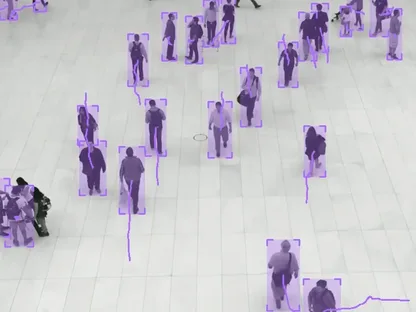
Infrastructure for Physical AI
Build and orchestrate computer vision with agents

- Curate
- Label
- Train
- Evaluate
- Deploy
Connect data, models, human input and compute in one executable graph. Build from ready nodes, or describe your workflow to an AI agent.
Sync New Images
SourceS3
ScheduleNightly
Run Detector
ModelYOLOv8
InputNew batch
Filter Low Confidence
Score< 0.7
Labeling Queue
AssigneeAnnotators
Check For Drift
BaselineTrain set
Notify Team
Channel#cv-ops
Built by the team behind Supervisely used by








One platform across the computer vision stack
Curate datasets, organize human labeling, train models, understand where they fail, compare alternatives and put the result into production.
Data Curation
Understand your data
Profile dataset quality, catch outliers and label errors, explore embeddings, and version every result.
Explore data curation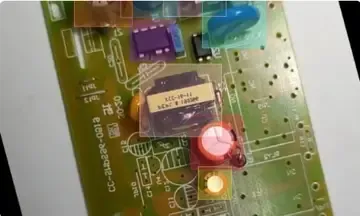
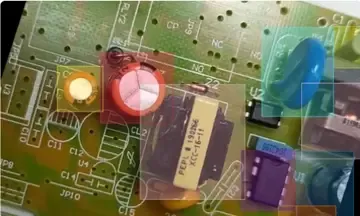
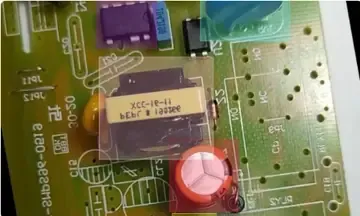
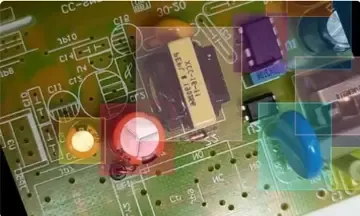
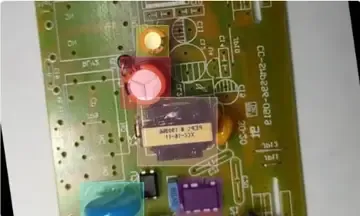
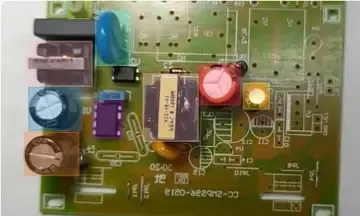
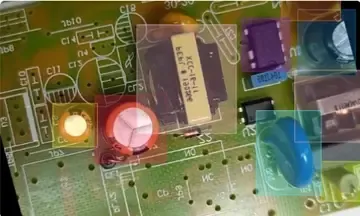
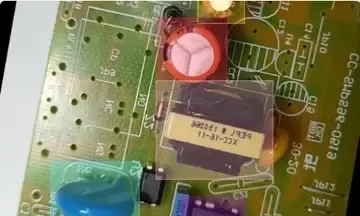
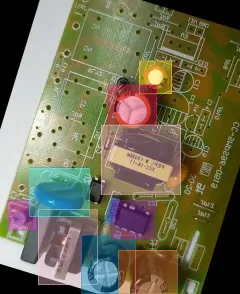
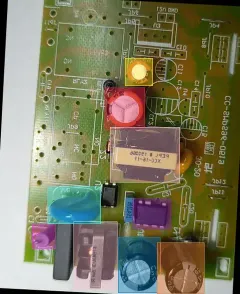
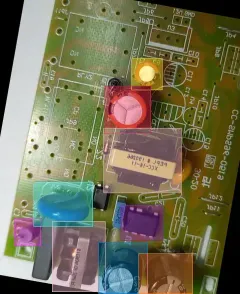
AI-Powered Labeling
Annotate at scale
Label images, video and 3D point clouds with smart tools, custom review workflows and quality gates.
Explore labelingMore than 125 computer vision nodes
From foundational data operations to specialized filters and model workflows, the same nodes recombine into hundreds of project-specific pipelines.
Browse templates built from these nodesModel Training
Train without losing the thread
Fine-tune on versioned datasets and trace every checkpoint back to the data, parameters and run that produced it.
Explore model training
Evaluation & Deployment
See which model wins, and why
Benchmark models on the same data, compare metrics side by side, and deploy the winner as an API endpoint.
Explore model evaluation
See the whole workflow, not just the final model
Real projects are loops, branches, retries, experiments, human decisions and competing models — not a simple linear pipeline. Shared graph keeps the logic visible and executable.
Orchestrate scattered tools into one executable system
Start from proven workflows
Launch from ready templates, then reshape every step for the project.
Reuse complex logic
Break large flows into subgraphs the team can operate and improve.
Keep your existing stack
Connect existing tools, models, storage, and compute instead of replacing them.
Share one map of the work
Give engineers, operators, and stakeholders the same view of how work runs.
Bring experts into the flow
Let specialists inspect, run, and adjust workflows without translating every change into code.
Adapt without rebuilding
Change branches, parameters, and custom logic as requirements evolve.
Build computer vision workflows that don’t fall apart after the demo
Turn recurring computer vision work into an operational process that survives new inputs and data drift. Automate the predictable steps, track every experiment and result, and bring people in only where judgment adds value.
Run updated models on new assetsIngest and trigger automaticallyDetect drift and flag uncertain resultsApply feedback from humans
✦ Connected storageNew assets
OvalBee
workflow
workflow
Selective review✦ Humans only when needed
Retrain &
improve
improve
Ready to use. Open to change.
Begin with a proven template or a request in AI Chat, reshape the workflow by hand or with the agent as project reality changes, and plug in the tools you already use.
Start from proven workflows
Pick a ready template for dataset preparation, labeling, training, or evaluation, or describe the task and let the agent assemble the first draft.
detection.graph132 nodes
defect-review.graph84 nodes
active-learning.graph118 nodes
Adapt the graph to reality
Rewire steps, swap nodes, and tune inputs yourself, or ask the agent to make the change as requirements and edge cases emerge.
Import dataSource
Prepare datasetTransform
Custom filterProject logic
Export resultsDestination
ADDBring your own code and tools
Connect your storage, models, and internal services through the API and SDK, so workflows run on the stack you already have.
def run_node(input):
  frames = input.images
  result = model(frames)
  return result
Python
API
SDK
Docker
A production-ready platform that scales
Keep workflows observable, controlled, and connected as they move from an engineer’s first run into everyday operation across your organization.
Deploy on your terms
Use our cloud, a dedicated instance, or your own infrastructure without changing how the team builds and operates workflows.
OvalBee Cloud
Dedicated VPC
On-premises
AWS

Azure

Google Cloud

Roles and permissions
Control who can design, run, review, or administer workflows while keeping members, secrets, storage, and infrastructure settings organized by workspace.
MemberAccessScope
MCMaya ChenAdminAll projects
TRTom ReyesEditorWorkflows
DODavid OkaforReviewerReview queues
SLSara LindholmViewerReports
Monitor every run
See what is running, waiting, completed, or failed, then inspect progress, duration, logs, outputs, and errors in one place.
run · detector-v7running
Ingest frames12.4k
Sample + deduplicate3.1k
Pseudo-label3.0k
Train detector62%
Evaluate modelqueued
Trace every result back
Follow a model, report, or export through the runs, dataset versions, annotations, parameters, and artifacts that produced it.
Dataset · v10draft · uncommitted
Dataset · v914,205 samples
Dataset · v813,002 samples
Dataset · v712,480 samples · production model
SelectedDataset · v611,860 samples
Dataset · v5night scenes added
Dataset · v49,950 samples
Connect your existing stack
Bring in storage, labeling systems, proprietary models, webhooks, and internal services without rebuilding the surrounding stack.



For large teams
Enterprise-grade by design
OvalBee gives computer vision teams the controls, deployment options, and hands-on support they need to run annotation workflows at scale.
Access control & security
Connect any SAML or OIDC provider, use roles, audit logs and encrypted secrets.
On-premise or cloud-hosted
Run on our managed cloud, or self-host to meet any compliance requirements.
Integration with cloud storages
Connect existing data on AWS S3, Google Cloud or Azure without re-uploading.
Hands-on enterprise support
Dedicated channels
Slack or Teams access for fast support, rollout questions, and hands-on onboarding.
Computer vision experts
Personalized training with experts who help build flows for your use case.
Full customization
Custom invoicing, contracts, SLAs, and deep feature customization.
Get OvalBee now
Join the leaders of tomorrow to future proof your documentation today
Start in Cloud
Signup for a free account in 5 minutes, no credit card
Coming soonDownload from GitHub
Self-hosted free and source-available version
Coming soonFAQ
Common questions
What is OvalBee?
OvalBee is a platform where computer vision teams build and run their whole process as a flow: a graph of nodes for importing data, labeling, review, training, evaluation, and deployment on one shared canvas. The graph is not a diagram of work happening somewhere else. Each node runs real jobs, and every run keeps its inputs, outputs, logs, and artifacts.
How do I get access during the private beta?
OvalBee is invite-only while in private beta. Request an invite on the private beta page and tell us a little about what you want to build. We bring teams in as spots open up. If you already have an invite code, you can create your account on the platform right away.
What can I build with it?
Typical flows bring images in from uploads, Supervisely, or public datasets, curate and version datasets, route images through labeling and review queues, train and compare detection models such as YOLO, DEIM, and EdgeCrafter, benchmark them, and deploy the result as an HTTP endpoint. You can start from a ready template or explore case studies built on real data.
Can I build workflows with AI?
Yes. Describe what you want in AI Chat inside OvalBee, and the agent finds the right nodes and builds or changes the flow for you. It can also explain how a flow works or why a run failed. You can connect your own agent instead, such as Claude Code or Codex, over MCP. The agent runs a node only with your approval and saves a version before every edit, so you can always go back.
How is OvalBee different from Airflow, Prefect, or Kubeflow?
General-purpose orchestrators run pipelines of opaque tasks. OvalBee is built around computer vision itself: versioned datasets, ontologies, labeling queues, a model registry with lineage, and benchmarks. A flow is a living process rather than a script. Each node runs when you trigger it, when its parent finishes, or on a schedule, and loops such as label, train, and review are normal.
Do I need to write code?
No. You build flows on a visual canvas from ready-made nodes in the Node Library, or let the AI agent assemble them for you. Labeling and review happen in built-in queues, so annotators and domain experts can take part without touching the graph. If your project needs a custom step, we build it with you during onboarding.
Where does it run? Can we host it ourselves?
OvalBee Cloud runs the platform, compute, and storage for you, and GPU nodes such as training get the right hardware automatically. You can also run OvalBee in your own cloud account, VPC, or data center on Kubernetes or a single Docker host, so your data stays inside your infrastructure. During the beta, we set up self-hosted installs together with your team.
Can I add my own nodes or connect my own storage?
During the private beta, the OvalBee team maintains the Node Library. If you need a custom node or want to connect your own S3 or Azure storage, we build and set it up with you during onboarding.