Data Curation

Find what's wrong.Fix it automatically.

Catch duplicates, anomalies and labeling errors, then send them to the next step of your flow.

Report

Find Annotation Gaps

Images checked2,400ground truth vs. YOLO
Missing objects64in 52 images
Classes to review2gap share ≥ 5%
Class conflicts9same box, other class
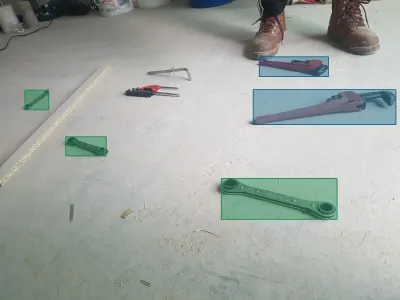
ReviewMotorcycles and bicycles are under-labeled

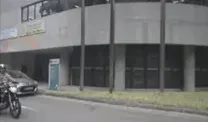
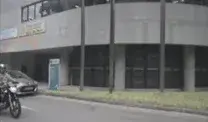
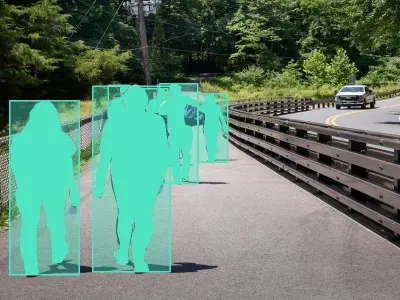
A confident detector finds 27 two-wheelers that no existing box covers, mostly small ones at the edge of the frame. The 52 images went to labeling; the original labels are unchanged.

Compare with original labels

motorcycle 0.88
motorcycle 0.83
car 0.71
Existing labelProposed addition
Missing objects by classconfidence ≥ 0.6, IoU 0.5
ClassLabelsCandidatesGap shareStatus
motorcycle212187.8%Review
bicycle9698.6%Review
car5,812310.5%Below threshold
person1,20460.5%Below threshold
bus14000.0%Covered

Report

Similar Pairs

High17 near-identical pairs cross from train into val

Validation scores on these images measure memory, not generalization. 296 extra copies went to the Duplicate assets dataset, one keeper per group.

Exact duplicates38cosine ≥ 0.99
Near-identical412cosine ≥ 0.95
Strongly similar2,914cosine ≥ 0.85
Train ↔ val17pairs leak across splits
Similarity distribution3,364 pairs
0.950.99
0.851.00
Strongly similarNear-identicalExact duplicate

Most similar pairs

Exact1.000
Near-identical0.996
Near-identical0.991
Near-identical0.962
Split leakagetrain → val
Train imageVal imageScore
VID20…Tg6Lt.jpgVID20…Tg6Lu.jpg0.998
VID20…rtAM9.jpgVID20…rtAN2.jpg0.993
IMG_0412.jpgIMG_0413.jpg0.981

Duplicate groups

Report

Image Quality

Images2,4003 resolutions
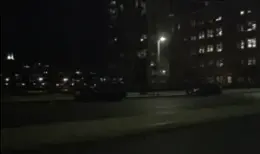
Too dark37highlights below 40
Very blurred113σ below median
Broken or blank0all files decode
Possible problemsImages
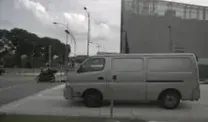
Medium37 night frames too dark to label37
Medium11 images far below this dataset's sharpness11
LowBlown highlights from billboards and street lights6
PassedNo broken, blank or flat images0

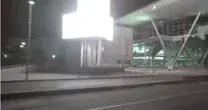
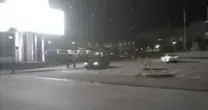
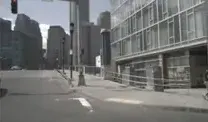
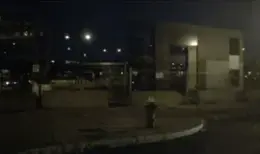
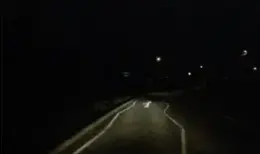
Darkest frames

Even the brightest part of the frame stays dark, so there is little left to label.

Highlights distribution0–255, brightest channel
40
0255

Blown highlights

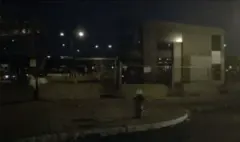
Part of the frame has lost its detail at the top of the scale.

All images2,400 rows
ImageShadowsHighlightsClippedLevel
scene_0412.jpg290.04
scene_1187.jpg3140.16
scene_0093.jpg182120.396
scene_2210.jpg112557.461

Report

Label Diagnostics

Objects11,1199 classes, DINOv3
Confused241nearer another class
Label outliers1122% tail per class
Suspect images87sent to review
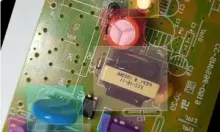
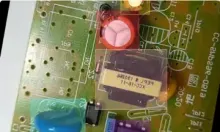
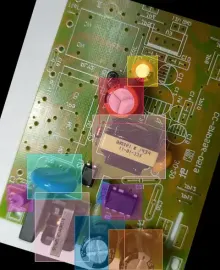
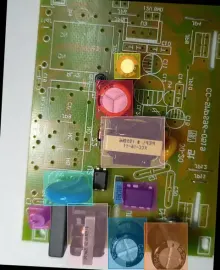
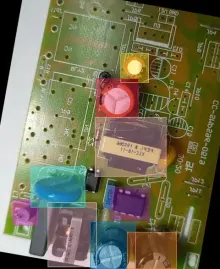
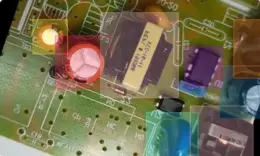
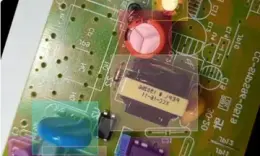
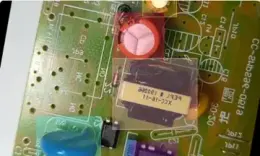
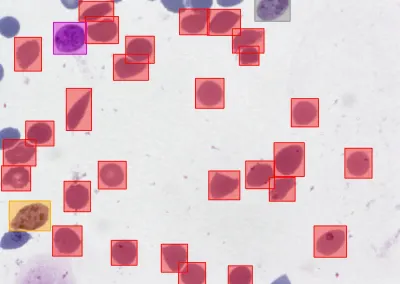
High'Resestor' and 'Resistor' are one visual thing

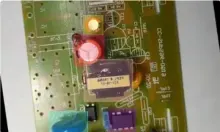
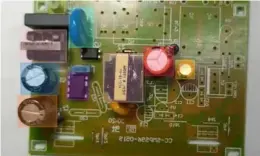
92% of Resestor objects sit nearer the Resistor class than their own. Merge the two classes or relabel the 3 images behind them.

Classesworst class first
Resestor92%
Cap119%
Cap216%
Mov7%
Resistor4%
Transformer3%
Nearest its own classNearest another class
Class confusionassigned → looks like
Cap1Cap2MovResestorResistorTransf.Cap117Cap214MovResestor92ResistorTransf.

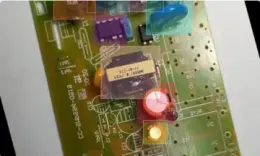
Suspect objects

Report

Embedding Anomalies

Images2,400reference: this dataset
Anomalies873.6% of images
Threshold0.32set at the 96th percentile
EmbeddingDINOv310 nearest neighbors
Medium87 images look unlike the rest of the dataset

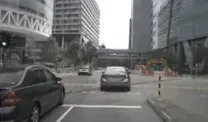
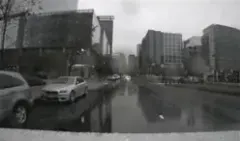
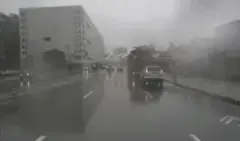
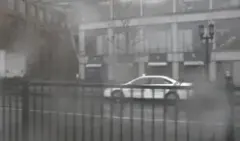
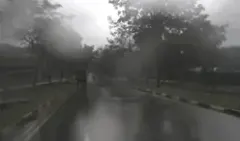
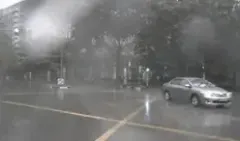
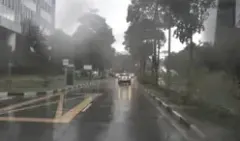
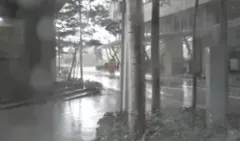
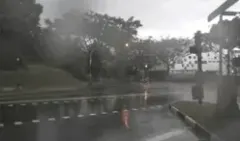
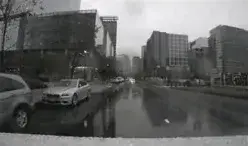
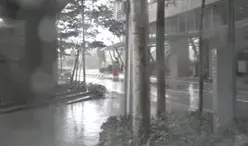
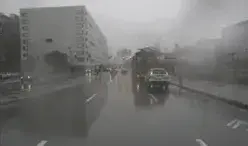
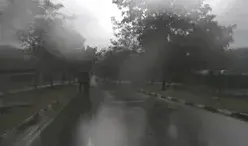
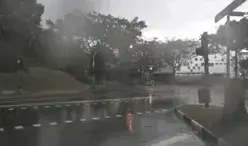
Most of them are rainy drives, a condition the training set barely covers. They went to the Anomalies dataset, and the other 2,313 images to Typical. Nothing was deleted.

Anomaly score distributionmean cosine distance
0.32
0.050.48
Typical · 2,313Anomalies · 87

What the anomalies are

Rain on the windshield61 images
Wet road under heavy cloud23 images
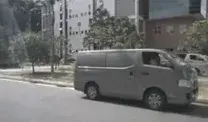
View blocked by a truck3 images

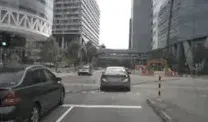
Most typical

The images the reference explains best, as a sanity check for the baseline.

Quality checks built into your workflows

Other tools stop at a chart. In OvalBee each check produces datasets the rest of your flow can act on.

  • Results you can use downstream

    Every check is a node with dataset outputs. Send duplicates to removal, flagged assets to review and clean data to training.

  • Set your own thresholds

    Thresholds, reference datasets and embedding models are node inputs, so each check fits your data.

  • Share detailed reports

    Every run keeps its report, with the assets behind each number. Send a link to the team or download it.
  • Check every incoming batch

    Rerun the same checks on a schedule or when new data arrives. Each result is a new dataset version.

Dataset exploration

Find assets by what they show

Search your datasets in plain language, explore visual clusters on an embedding map, and save selected assets as a new dataset version.

  • Filter by labels and metadata

    See every dataset and version in one viewer, and narrow it down by class, tag, object size or metadata.

  • Search in plain words

    Describe what you need and get the matching assets, or ask for the most diverse ones.

  • Explore clusters and outliers

    An embedding map groups similar assets into named clusters, so outliers and rare scenes stand out.

  • Save selections as datasets

    Turn a search, a filter or a map cluster into a new versioned dataset, ready for labeling or training.

Data management

Bring data in and keep it in order

Connect your storage, import any format or a public dataset, and keep every version traceable from the first upload to the trained model.

Connect your cloud storage

Connect Amazon S3, Google Cloud Storage or Azure Blob once, with securely stored credentials, and work with data where it already lives. Results go back to the same buckets.

Any format in, any format out

Bring COCO, YOLO, Pascal VOC, LabelMe, Cityscapes or Supervisely data as it is, with no proprietary format in between. Every node reads the labels in the format it needs.

Public datasets, ready to use

Start from hundreds of public computer vision datasets, already labeled, each with its license and statistics, and import one in a single step.

Every version, traced back

Imports, cleanups and relabeling each add a dataset version. Each one records the run that made it, so any model leads back to its exact data.

Dataset operations as nodes

Merge, filter, sample, split or remap classes with ready nodes. Select one, set its options, and every asset that flows through is handled the same way.

One ontology, every dataset

Define classes, shapes and tags once and share them across datasets. The ontology is versioned like the data, so every dataset knows which classes it was labeled with.

Capabilities

Everything a clean dataset needs

  • Image checks

    Dark framesBlown highlightsBlurry imagesBroken filesExact duplicatesNear-duplicatesOutliers

  • Annotation checks

    Annotation gapsLabel errorsClass balanceLabel coverageOut-of-frame labelsSplit leakageWritten findings

  • Search and exploration

    Search in plain wordsObject-level indexEmbedding mapClusters named by a VLMRare subtypes in a tagDiverse picks by cluster

  • Filters

    ClassesTagsImage sizeObjects per imageObject areaBox aspectGeometryKeep or remove labels

  • Dataset operations

    MergeCopy and moveRandom sampleTrain, validation and test splitRename and drop classesRemove assetsNext batch

  • Versions

    A version per changeRestore any versionTrash for 30 daysRun behind each versionShared ontologies

  • Import and export

    Drag and dropS3-compatible bucketsImages and videoDataset NinjaSuperviselyExport with annotations

  • Formats

    COCOYOLOPascal VOCLabelMeCityscapesSuperviselyImageFolderDetected on import

  • Automation

    SchedulesChecks on every new batchAI gateResults as datasetsShareable reportsAI agents over MCP

FAQ

Data curation questions

What is data curation for computer vision?

It is the work of deciding which data a model should learn from: removing duplicates and broken files, catching label errors, finding gaps and rare cases, and keeping train, validation and test sets clean. A smaller, cleaner dataset usually trains a better model than a larger noisy one, and costs less to label.

Do I need labeled data to start?

No. Image quality, duplicate search, outlier detection, search in plain words and the embedding map all work on unlabeled data. Checks that compare labels, such as label diagnostics or annotation gaps, need annotations, and you can add them later in the same flow.

Does OvalBee change or delete my original data?

Checks never edit the dataset they read. They write their findings to new datasets, such as duplicates or anomalies, and every change you make on purpose becomes a new version. Removed items stay in the trash for 30 days, so an earlier state is always within reach.

How do I catch leakage between train and test sets?

Run Similar pairs with your test set as the reference. It finds exact and near-identical copies across the two sets and collects them in a dataset you can review or remove, so validation scores measure generalization rather than memory.

Can I combine the results of several checks?

Yes. Dataset insights reads the reports of other checks along with the dataset statistics, and writes one summary in plain language, with a severity and a supporting chart for each finding. The individual reports stay available next to it.

Which embedding models power search and the embedding map?

You can choose between CLIP, SigLIP 2, PE-Core and DINOv3. The index stores a semantic embedding for search by meaning and a visual one for similarity, for whole images and for individual labeled objects, and it updates as the dataset changes.

Which data types does OvalBee support?

All the common computer vision modalities: images, video, 3D point clouds, multispectral imagery and multimodal data that combines them. Annotations come in as COCO, YOLO, Pascal VOC, LabelMe, Cityscapes, Supervisely or ImageFolder, and can be exported as COCO, YOLO or Supervisely.

Can curation run without anyone watching?

Yes. Put the checks in a flow and run it on a schedule. An AI gate can read the reports and decide whether the flow continues, so a bad batch stops before it reaches labeling or training instead of being noticed later.