

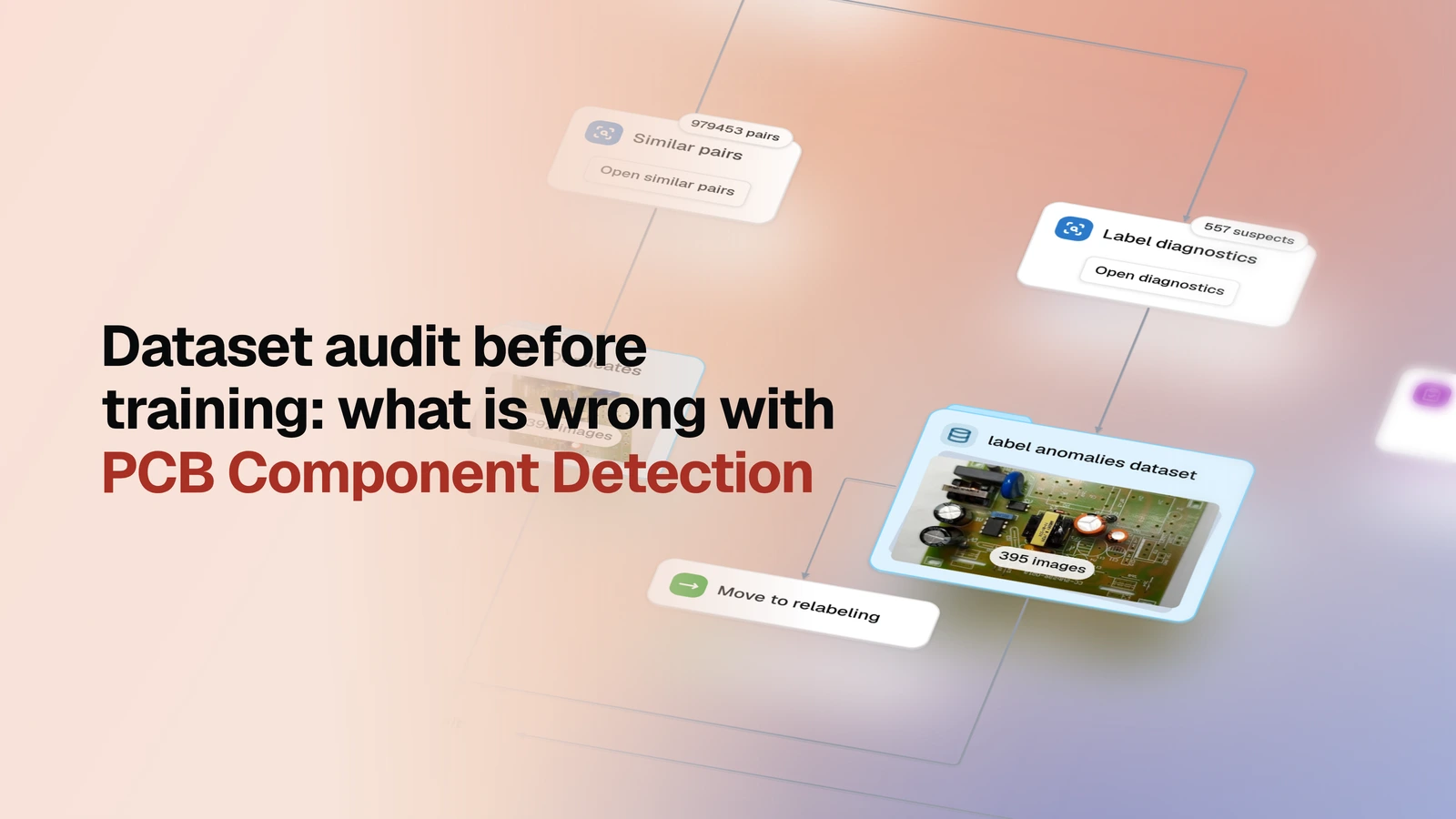
Run a dataset through statistics, image and label quality checks, embedding checks and a trial pre-labeling pass, and get a report for every check plus a summary report: what was found, how much it matters, and what to do next.
▶ Open this template in OvalBee
Overview
- Task: Dataset assessment — a set of independent quality checks and a summary report on top of them
- Input: An annotated image dataset (bounding boxes for detection)
- Pipeline: import → statistics, embedding and pre-labeling checks in parallel → summary report
- Output: A report from every check, a summary report with findings ranked by severity, and separate candidate datasets for manual review
When you need it
Before you spend a budget on relabeling or training, you need to know what is broken in the dataset, whether the data drifts between splits, whether there are anomalies, and what is fine. This template runs every check in one pass: each keeps its own detailed report, and the summary report gathers their findings in one place, ranks them by severity, and gives each one a next step. If all you need is a basic profile — class counts, balance, whether everything is labeled — the lighter Dataset quality control is enough.
What you need
An image dataset with bounding-box annotations. The example pulls one from Dataset Ninja by link, with no credentials needed; to use your own data, point the import at another Dataset Ninja page or at a direct link to a Supervisely or image archive. To run it, you also pick a Grounding DINO model from the model zoo for the pre-labeling checks and add an Anthropic API key as a secret for the summary report.
How it works
| Step | What happens |
|---|---|
| Import | The dataset comes in from a Dataset Ninja page or an archive link |
| Statistics checks | In sequence: dataset-wide statistics, image quality, annotation quality |
| Embedding checks | CLIP embeddings are searched for near-duplicate images, outliers, and labels that drift toward another class |
| Pre-labeling checks | Grounding DINO labels the dataset from its class names; its predictions are used to find missing objects and to estimate how much labeling work they would save |
| Candidate datasets | Near-duplicates, outliers, suspect labels, and images with likely missing objects are each collected into their own dataset |
| Summary | Once every branch has finished, their reports are read together and combined into the summary report |
The branches run in parallel and do not block each other. If a check cannot show anything on your data, the summary report says so — "not measured", not "all clean".
What a run gives you
The summary report gives two things. The first is an analysis of the dataset: a findings board with Critical, Warning, Notice and Passed levels, a "Where the findings came from" table showing which check found what, and separately, what was checked and is fine and what could not be measured and why.
The second is recommendations: a "Do first" list at the top with the most important steps, and a next step for every finding — for example, rename a class, check whether near-identical images are split across train and validation, or send objects to relabeling. The four candidate datasets are a ready starting point for these steps.
Related templates
- Dataset quality control — the descriptive profile only: classes, counts, balance
- Filter-based data cleanup — when a finding points at a mechanical fix (a class name, unlabeled images), apply it with rules and confirm the result with fresh statistics
- Labeling with review loop — send a candidate dataset into a labeling and review cycle