

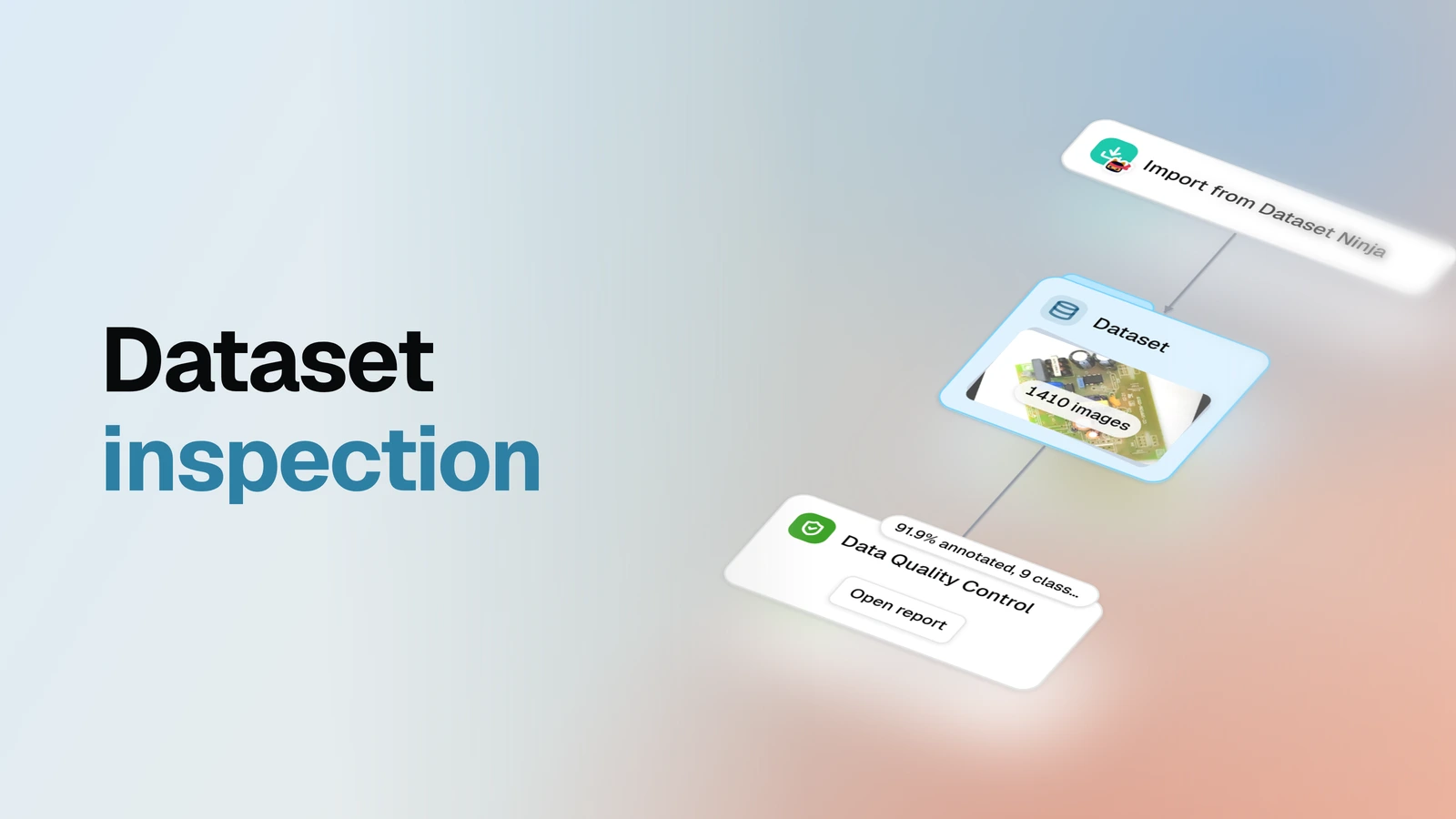
See what is actually inside a dataset — the classes, the counts, the balance — before you build anything on it.
Overview
- Task: Dataset inspection — descriptive statistics over images and annotations
- Input: An image dataset already in OvalBee, including one another run produced, such as a model's predictions; labels are used when present, not required
- Pipeline: pick the dataset → profile every image and annotation into a report
- Output: A dataset profile report — totals, class balance, class co-occurrence, per-image and per-object statistics — plus a one-line summary right on the graph
When you need it
You just got a dataset you didn't make yourself: downloaded from a public catalog like Dataset Ninja, bought, or inherited from an earlier project. Before labeling it, training on it, or promising anything based on it, you want the basic facts — which classes are in there, how many images, how many objects, how balanced it is, whether everything is even annotated. This template answers that in one run, with no labeling and no training: point it at the data and read the report. And the data doesn't have to arrive from outside — a dataset another run produced works the same way, so pointing the profiling step at a model's predictions shows what the model actually found: which classes, how many objects, what sizes. If the numbers point at gaps — unlabeled images, classes you don't trust — the labeling with review loop is the natural next stop.
What you need
An image dataset already sitting in your OvalBee workspace, with or without annotations. If your data isn't in OvalBee yet, bring it in with one of the import templates first. Everything the report says about classes and objects comes from the annotations, so an unlabeled pool still gets profiled — you'll just see it counted as unlabeled rather than broken down by class.
How it works
| Step | What happens |
|---|---|
| Dataset | You pick the dataset to profile |
| Profile | Every image and annotation is analyzed, and the statistics are compiled into a cached report you can open from the graph |
What a run gives you
One report that turns "we downloaded it, it's probably fine" into numbers you can quote. It opens with an issues section — one row per thing the statistics noticed, from images with no labels and zero-size or duplicate boxes to class names that look like misspellings of each other — with the images behind every issue one click away. Then the dataset's totals — how many images, what share of them is annotated, the full class list, the object count, the average number of objects per image — and the breakdowns. A per-image table with each image's object and class counts and dimensions, where clicking a row previews that image with its annotations drawn on. Class balance by image coverage, object count and object area, sortable to surface rare or dominant classes. A class co-occurrence heatmap showing which classes appear together. An objects-per-image distribution that makes outlier images stand out. Object size statistics per class, for finding tiny, huge, or inconsistent boxes. And a table of every parsed object, each one clickable back to its source image. The graph itself carries a one-line summary on the node — the annotated share and the class count — so the headline numbers are visible before you open the report at all.
Everything in the report is descriptive: it counts and plots what is there, it doesn't score the dataset, flag problems, or recommend fixes — reading the numbers and deciding what they mean is left to you.
Related templates
- Labeling with review loop — when the profile shows unlabeled images or labels you don't trust: a person annotates and reviews the pool, and rejected images loop back for another pass
- Detector training — the step after the dataset earns your trust: train a detector on the labeled classes and see whether it converges
- Detector evaluation — once the labels are good enough to serve as ground truth, score a trained model against them