

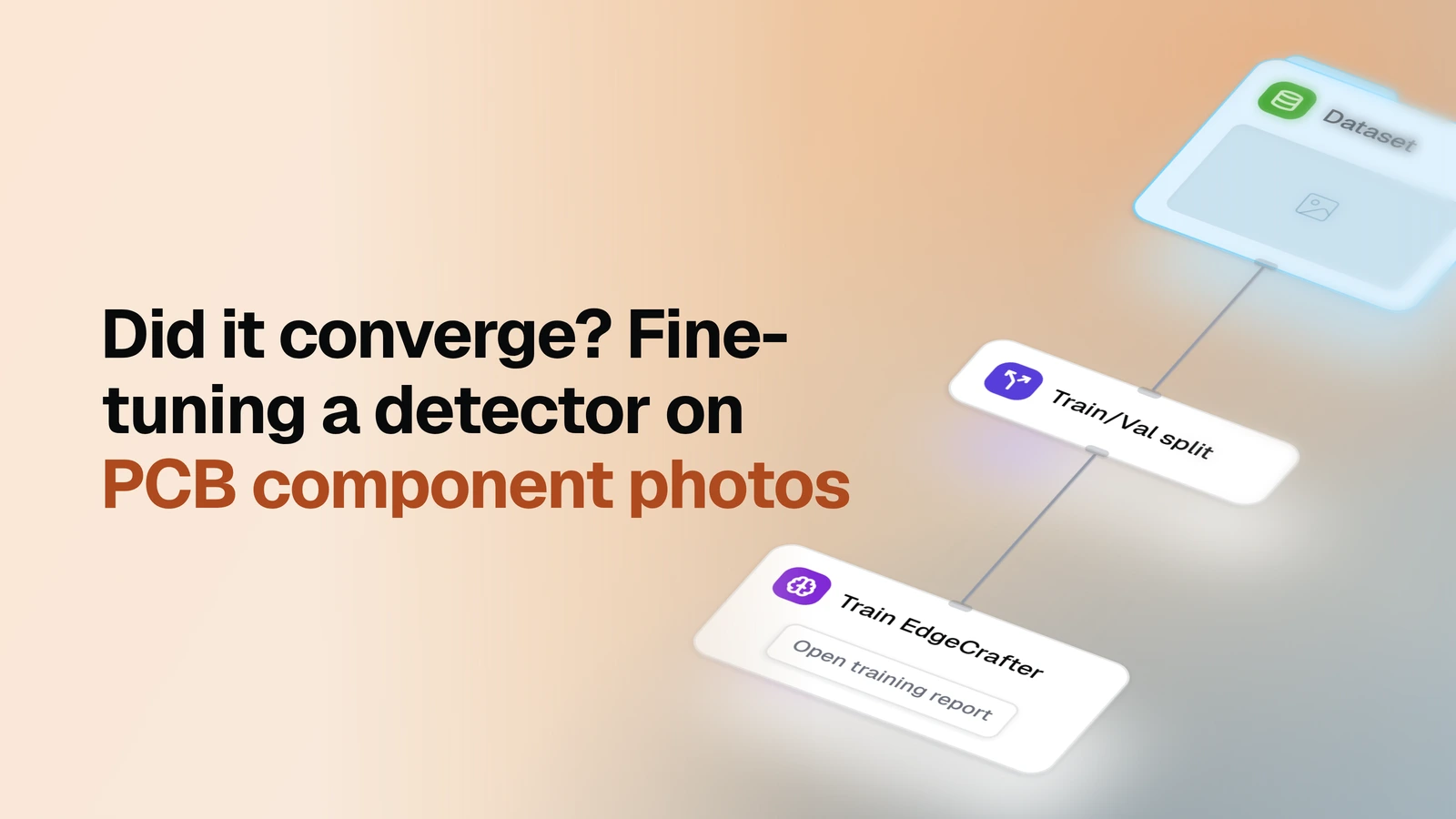
Fine-tune an object detector on your own labeled images and see whether the training actually converged.
Overview
- Task: Object detection
- Input: A labeled image dataset, with or without an existing training/validation split
- Pipeline: pick a dataset → split (if needed) → train an EdgeCrafter detector
- Output: Per-epoch validation curves (mAP, AP50, AP75), the best epoch, and that checkpoint registered as a model
When you need it
A detector pretrained on a public benchmark has never seen your classes or shooting conditions. Fine-tuning it on your own labeled images is the fix, but before that model goes into a comparison or a deployment decision, someone has to check the training worked. If you have labeled images and want your own model trained on them, this is the run that comes first.
What you need
A labeled image dataset — every object boxed and classed — already in OvalBee. Point the template at your own dataset; if it isn't in OvalBee yet, bring it in with one of the import templates first. Classes come from the dataset's own labels; the only choice left is which pretrained checkpoint to start from.
How it works
| Step | What happens |
|---|---|
| Dataset | You pick the labeled dataset to train on |
| Split | Training and validation images are separated out, if that isn't done already |
| Train | The detector is fine-tuned from the pretrained checkpoint you picked |
The split, the conversion into the trainer's format, and scoring after every epoch are decided for you — you supply the labeled dataset, not a training setup.
What a training run gives you
The per-epoch curve shows whether training converged, stalled, or overfit, and this run keeps whichever epoch scored highest rather than whatever the schedule finished on. Point the same template at another labeled dataset, and OvalBee re-runs the split and the training on its own. Those scores are measured on the validation part during training, so they read as a convergence check rather than as an independent test result.
Related templates
- Fine-tuned vs COCO (images) — measures this model against an off-the-shelf COCO detector on the same held-out set
- Detector evaluation — this run's mAP is a training-time number; there it's measured on unseen data
- Two trained detectors — runs this training twice to pick between two configurations