

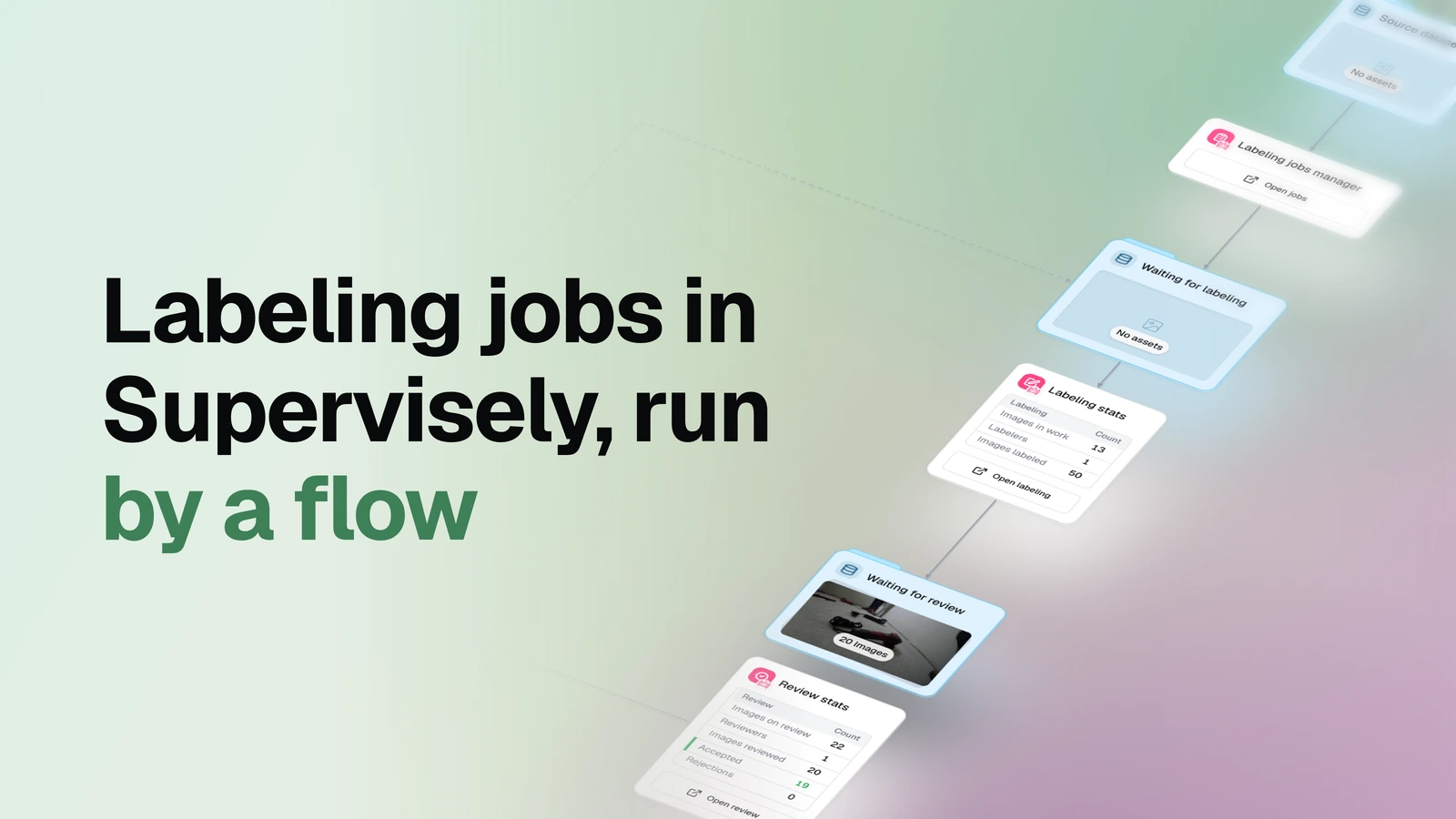
Hand out the images in an OvalBee dataset as named batches — one Supervisely labeling job per annotator, one reviewer per job — and watch every image move through its stages without leaving OvalBee.
▶ Open this template in OvalBee
Overview
- Task: Manual image annotation and review in Supervisely, assigned as a fixed batch per person
- Input: Images in an OvalBee dataset, a class ontology, your Supervisely credentials, and the people who will annotate and review
- Pipeline: pick the source dataset → hand each annotator a batch as a Supervisely job → annotate → review → accept, or reissue the rejected images as a fresh job → accepted dataset
- Output: A dataset of accepted images with their annotations, five live stage datasets showing where every other image currently sits, and labeling and review stat cards
When you need it
Use this template when the work has to be handed out by name: each annotator gets their own batch, each batch has one reviewer, and you can always see who is holding what. Work is committed in whole batches — an annotator labels every image in their job before it can be submitted, and only then is the next batch issued to them. That is the trade: you get execution control and a clear owner for every image, at the cost of the finer-grained flow you would get from a shared pool. If you would rather have everyone pull one image at a time from a single pool, use Supervisely queue labeling instead.
The whole thing is operational rather than one-shot: the labeling jobs manager runs on a schedule (every couple of minutes is typical), and each tick picks up images newly added to the source dataset, issues whatever jobs are missing, moves images between stages, and pulls fresh annotations back. Add more raw images tomorrow and they enter the same pipeline without you touching anything.
What you need
An OvalBee dataset of images and a class ontology, either the source dataset's own or one defined on the manager itself. If your images aren't in OvalBee yet, bring them in with one of the import templates first. Images do not need to be labeled in advance: any annotations they already carry travel with them. You also supply your Supervisely credentials, team and workspace, the annotators and reviewers by name, and the batch size (50 images by default). The Supervisely project is optional — the manager creates one if you don't pick it. Reminder and escalation deadlines (240 and 1440 minutes by default), the rework mode, and how many unsubmitted jobs a person may hold at once (1) are all parameters.
How it works
| Step | What happens |
|---|---|
| Pick the dataset | You pick the OvalBee dataset that images are assigned from. |
| Hand out the work | The labeling jobs manager creates a Supervisely project and dataset, uploads each image once, and issues one job per annotator with a batch of images and an assigned reviewer. |
| Track the stages | Images physically leave the source dataset and move through six datasets — Waiting for labeling, Labeling, Waiting for review, Review, Rework and Accepted — with their annotations pulled back for viewing. |
| Close the loop | Accepted images land in the Accepted dataset; rejected ones are reissued as a new job and go round again. |
| Watch the numbers | Two stat cards report how labeling and review are progressing, each with a button that opens Supervisely. |
How labeling works
There is no pre-labeling stage — annotators create the annotations from scratch in Supervisely. The template does not submit or accept anything on anyone's behalf: pressing Submit and making the accept-or-reject call stay with the people doing the work. What it does is issue the jobs, keep the images in the right stage, and send annotators and reviewers straight into the tool.
| Step | What happens |
|---|---|
| Waiting for labeling | Images are queued for the next job to be issued. |
| Labeling | An annotator works through their whole batch in a Supervisely job. The job cannot be submitted until every image in the batch is labeled; once it is submitted, the next batch can be issued. |
| Waiting for review | The submitted batch is queued for its assigned reviewer. |
| Review | The reviewer accepts or rejects each image in Supervisely. |
| Rework | Rejected images are reissued as a fresh job and cycle through labeling and review again, as many times as needed. |
| Accepted | Approved images, with their annotations, collect in the final dataset. |
What a run gives you
A run leaves you with a working Supervisely project and dataset holding every image exactly once, the labeling jobs themselves, and — the part downstream nodes consume — an Accepted dataset of reviewed images with their annotations. Alongside it, five more stage datasets stay live in OvalBee: Waiting for labeling, Waiting for review and Rework sit on the canvas as previews you can open and scroll through, while Labeling and Review exist too but are not surfaced there. So "where is this image right now" is a thing you look at rather than ask someone.
There is no report file. The numbers live on two stat cards, for whoever is running the labeling effort: Labeling stats answers how annotation is going (images currently sitting in jobs that haven't been submitted, how many labelers, how many images labeled), and Review stats answers how acceptance is going (images on review, how many reviewers, images reviewed, accepted, and rejections). The manager's own card carries Overdue, Late, To submit and Not uploaded badges, so a stalled annotator is visible before a deadline is missed. Both stat cards open Supervisely directly — you pick the specific job there.
Deleting the manager returns any images still in flight to the source dataset; accepted images stay where they are.
Related templates
- Supervisely queue labeling — the other way to hand out the same work: one shared pool, annotators pull a single image at a time and nobody waits on a batch.
- Labeling with consensus review — when one reviewer per batch isn't enough and you want several annotators on the same images.
- Detector training — the natural next step once the accepted dataset is large enough to train on.