

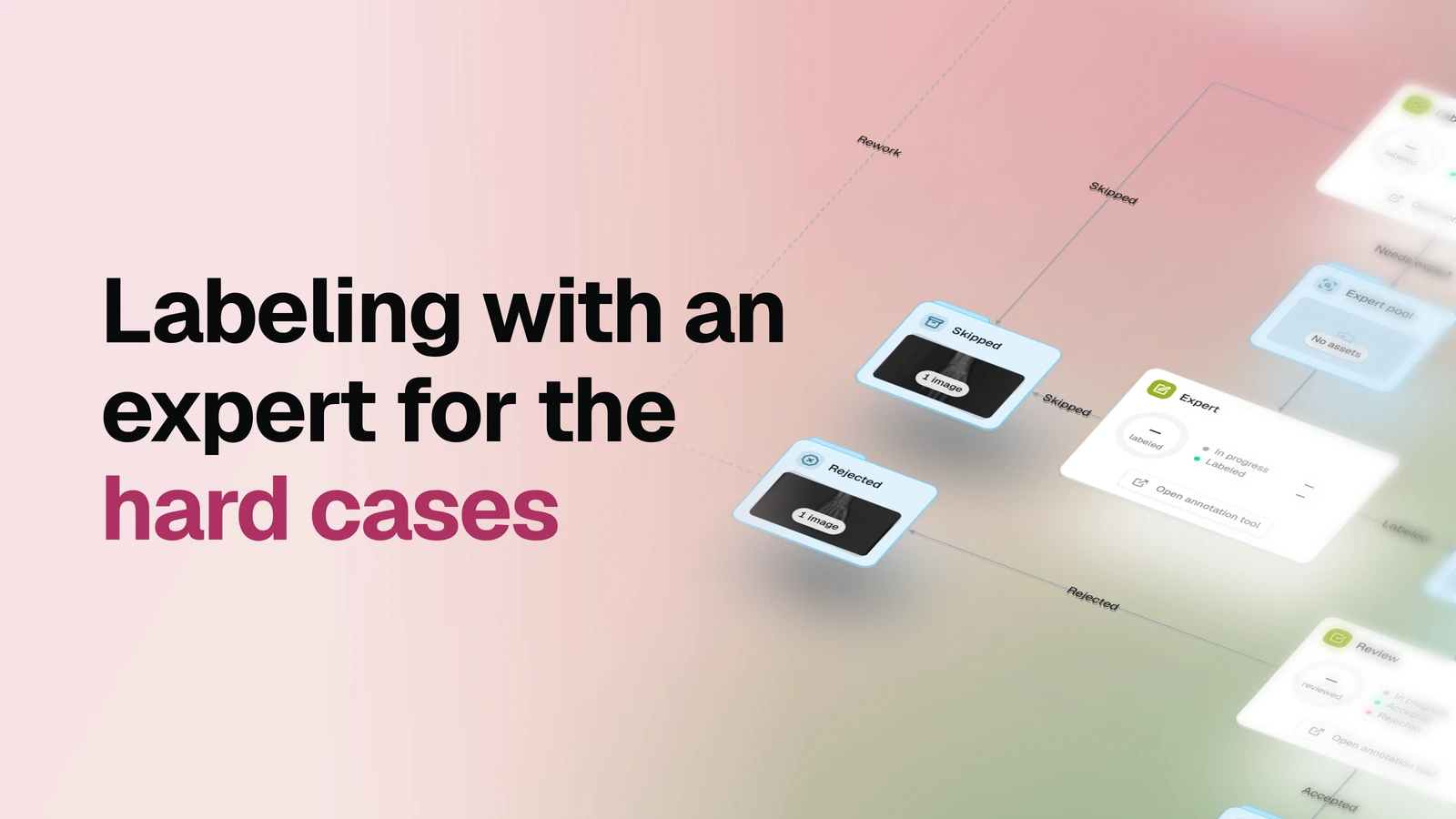
Label images in batches, let labelers pass the hard cases to an expert, and put every annotation through a final accept/reject review.
Overview
- Task: Manual image labeling with expert escalation and a review gate
- Input: Images in an OvalBee dataset and the classes you want annotated
- Pipeline: label in batches → hard cases go to an expert, the rest straight to review → the expert labels them and sends them on → review → accept, or reject back to labeling
- Output: A dataset of accepted images with their annotations, with skipped and rejected images kept in datasets of their own
When you need it
Use this template when most images are routine for your labeling team but some need a specialist: a radiologist for an unclear X-ray, an engineer for a rare defect. The labeler decides what deserves expert attention, so specialist time goes only to the cases that need it, while routine work reaches review without waiting in the expert's queue. If every image is routine, start with the Basic labeling pipeline instead.
What you need
A dataset with the images to label. Pick one you already have, or start with an empty one and add images later; if your images are still on your computer, bring them in with Import images by drag & drop. Setup asks three things: the classes to label, who labels, who is the expert and who reviews, and where the images are. One person can hold more than one role when your team is small.
How it works
| Step | What happens |
|---|---|
| Set up | You pick or create the classes, assign labelers, experts and reviewers, and choose the dataset. |
| Label | Labelers take images in small batches, each from their own queue, and press Submit, Ask expert or Skip on every image. |
| Escalate | Images sent with Ask expert wait in the expert pool. |
| Expert labeling | The expert labels those images with the same classes and sends them on to review, or skips them. |
| Review | A reviewer accepts or rejects every labeled image, whether a labeler or the expert labeled it. |
| Rework | Rejected images move back to the labeling pool for another pass. |
How labeling works
There is no pre-labeling model and no automatic check. People create, escalate and review every annotation, and OvalBee moves each image to the dataset that matches the button pressed. The expert labels, not reviews: an escalated image goes through the same final review as everything else.
| Step | What happens |
|---|---|
| Waiting | Images sit in the labeling pool until a labeler takes them. |
| Labeling | A labeler annotates an image, or passes it to the expert, or skips it. |
| Expert | The expert annotates the escalated image, or skips it. |
| Review | A reviewer checks each labeled image and accepts or rejects it. |
| Accepted | Approved images and their annotations move into the final dataset. |
| Rejected | Rejected images return to the labeling pool for correction and another review. |
| Skipped | Images skipped at either labeling stage stay in their own dataset. |
What a run gives you
A dataset of the images that passed review, with their annotations. Skipped images from both labeling stages stay in their own dataset, and rejected work goes back into the loop instead of mixing with accepted results. Every stage is a dataset on the graph, so at any moment you can open it and see which images are waiting, escalated, under review or rejected. The template produces no report or quality metrics: the review decision is the quality gate.
Related templates
- Basic labeling pipeline — the same label-and-review loop without an expert stage
- Labeling with auto quality check — rule-based checks screen every submission before a reviewer sees it
- Import images by drag & drop — get your images into OvalBee before labeling them