

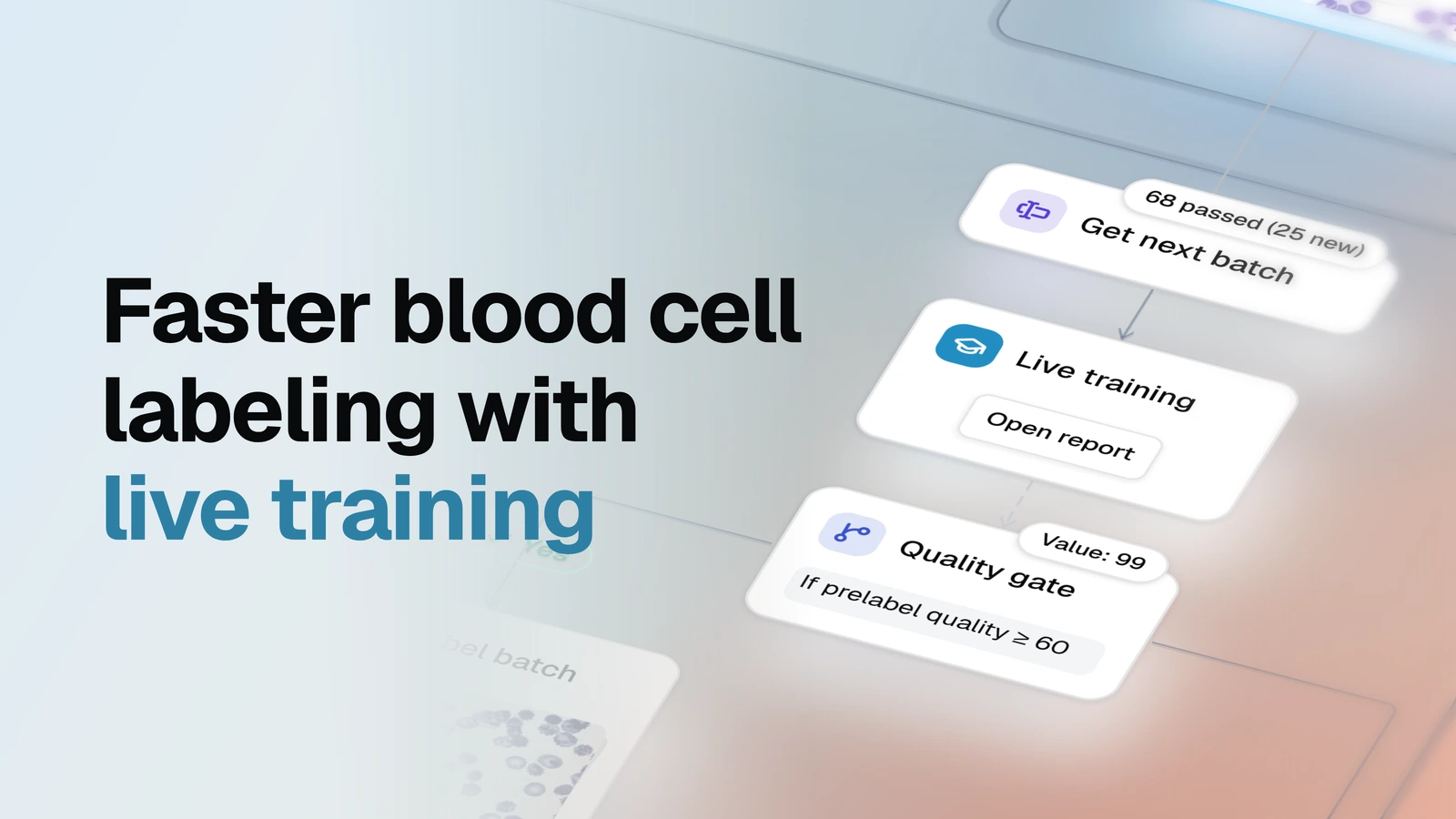
Plug live training into the labeling pipeline you already have: images reach your labelers batch by batch, and once the model is good enough, each batch arrives pre-labeled.
Main idea: a Grounding DINO model trains on what your labelers submit, right while they work. Before each batch goes to labeling, a quality gate checks how much of the labeling work the model already does. Below the bar, the batch goes to labelers as it is. Above it, the model pre-labels the batch first, and labelers only fix its boxes.
The module has no labeling step of its own. It moves each batch into the labeling pool of your labeling pipeline, for example Basic labeling pipeline, so the way your team labels and reviews stays the same.
Setup
When you first open the template, the setup wizard walks you through every step:
| Question | What you do |
|---|---|
| 1. Which model pre-labels? | Pick a Grounding DINO model from your workspace. |
| 2. Where does the data go? | Pick the dataset new images come from and the labeling pool your team works in. The dataset with submitted images is optional, Prelabel efficiency compares it with the pre-labels. |
| 3. When is a batch worth pre-labeling? | Set the quality bar, 60% by default. |
| 4. Ready? | Press Start. The live training session starts. |
- Before Start: nothing is created yet. Stop at any moment and come back later with the Finish setup chip.
- What you need: a machine with a GPU for the live training session, and labelers who turn on Live Training in the annotation tool, so their submissions reach the model.
Key concepts
Live training session. A model that keeps training on a GPU while your team labels. Every image a labeler submits becomes a training example, and the session saves its weights as a new model version every 10 minutes.
Prelabel quality. Before the session trains on a submitted image, it predicts that image and compares its guess with what the labeler drew. Prelabel quality is the share of the labeling work the model already does, over the latest 10 scored images. It reads 0% until 10 images have been scored, so the first batches always go to labelers without pre-labels.
Quality gate. The bar a batch has to clear to get pre-labels. Low-quality pre-labels cost labelers more time than they save, so the gate keeps them out until the model has earned it.
Pipeline
| Node | What happens | Docs |
|---|---|---|
| Get next batch | Takes the next 15 images from your input dataset. It never sends the same image twice. | Get next batch |
| Live training | Runs the live training session and reports its Prelabel quality. | Serve live training with Grounding DINO |
| Quality gate | Checks whether Prelabel quality is at least 60%. Yes sends the batch to pre-labeling, No sends it straight to labeling. | Condition |
| Prelabel batch | The session draws boxes on every image of the batch. | Prelabel with live training |
| Move to labeling | Moves the batch into the labeling pool, with its pre-labels. | Move |
| Prelabel efficiency | Compares the model's pre-labels with what labelers submitted and shows how much work they saved. | Evaluate prelabeling efficiency |
Each run of the flow sends one batch. Run it when your labelers need more images, or open Get next batch, click the gear next to Run and set a schedule, for example every 15 minutes. When every image has been sent, the flow stops.
Core nodes
Live training and the Quality gate decide what your labelers get. Their main settings:
- Model: the Grounding DINO model the session starts from. Its new versions appear in your workspace as the session trains.
- Labeling pool: only labeling steps that draw from this dataset can use the session.
- Live report: the node card opens a report that updates while the session runs: how much it has trained, Prelabel quality and per-class results.
- Classes: the session learns the classes of your labeling pool's ontology and any class a labeler draws.
- Quality bar: the Condition value of the Quality gate, 60 by default. Raise it if labelers spend more time fixing pre-labels than drawing, lower it to get pre-labels sooner.
- Batch size: set on Get next batch, 15 images by default.
- Every image goes to a person: pre-labeled images still reach your labelers, who correct the boxes and submit.
Results
- Your labeling pool. Every batch lands here, pre-labeled or not, and your labeling pipeline takes it from there.
- New model versions. The session saves its weights as you label, so you end up with a Grounding DINO model trained on your own data.
- Prelabel efficiency report. Once labelers have submitted pre-labeled images, run Prelabel efficiency to see what pre-labeling saved. The report grades the pre-labels from Minimal assist to Production-grade and shows the share of correct, shifted, wrong-class, extra and missed boxes.
Next steps
- Basic labeling pipeline — the labeling and review loop to put after this module.
- Live training: quick start — a complete pipeline with live training and its own labeling step, without a quality gate.
- Active learning with live training — the model also picks which images are worth labeling next.