

Introduction
Human review is the expensive part of a labeling loop. When a reviewer opens an image and finds one bolt boxed twice, or a stray box a few pixels wide, that time was spent on a mistake nobody needed to see to judge.
This study moves that filter earlier. A set of rules sits between the annotator and the reviewer and checks every submission the moment it arrives. The batch splits into passed and failed, and the failures go back to the queue without a person ever opening them. No model is involved: the checks are rules, the boxes are human, and the accepted images are profiled automatically.
The second half of the story matters as much as the first. The gate judges the boxes that are on the image. It cannot judge whether they are the right ones, or whether something was left unboxed entirely. That part still belongs to the reviewer, and the article shows one of each.
The example is 95 images of bolted joints on steel structures, valves and frames, taken from the public NPU-BOLT dataset and labeled through the labeling queue. NPU-BOLT is released under CC0 by Zhao, Yang and Xu (2022).
Why bolts?
Each image here has several fasteners in it: a flange ring, a bracket, a row along a rail. Nobody has to decide what counts as a bolt, so the mistakes are not mistakes of judgement. They are mistakes of attention. You lose count, or you box the same thing twice.
That is why a rule can help. This kind of mistake is easy to measure: a box a few pixels wide, two boxes on one bolt, a box dragged around a whole bracket. You do not need a model to spot it. You need a number far enough from normal work that good submissions never hit it.
Labeling loop
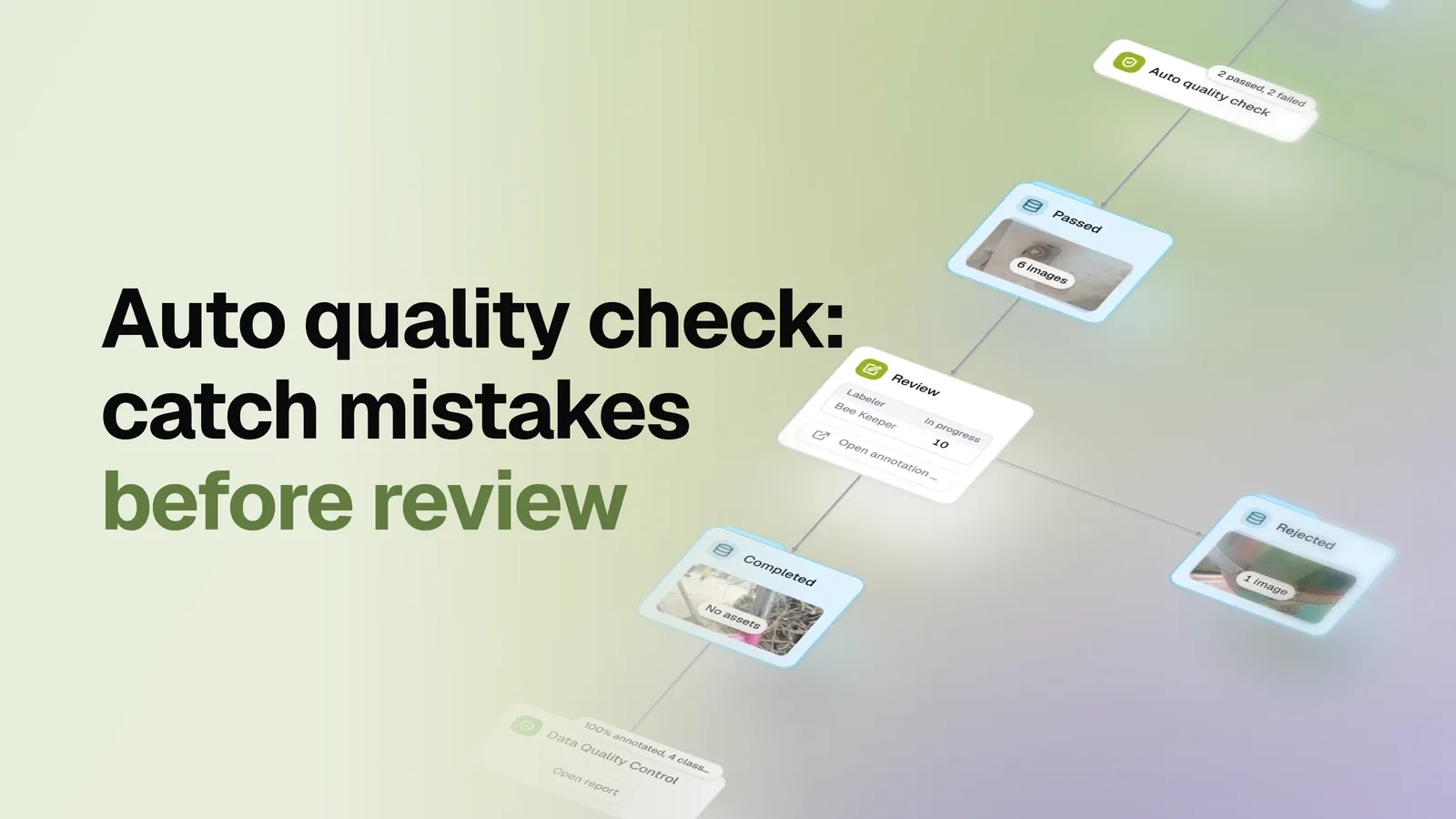
One graph runs the whole thing:
- Pool. All the images go into one dataset. The queue hands out work from it.
- Labeling. An annotator claims a batch of ten, draws boxes, submits. A claim is held for two hours before it returns to the pool.
- Gate. Every submitted image passes through the quality check as it arrives. No waiting for a human: the batch splits into passed and failed.
- Back to the pool. A move step returns the failed images to the labeling pool, where they are claimed again as ordinary work.
- Review. Only images that passed the check reach the reviewer, who accepts or rejects them. Rejected work goes back to the pool the same way.
- Profile. The accepted set is profiled by the same statistics report the inspection study walks through chart by chart.
Failed images are not deleted. They wait in the failed dataset until the move step returns them (so user can explore them and see what went wrong), and they come back with the annotation that failed still on them, so the annotator sees their own boxes instead of an empty image.
The human side of this loop, the queues, claims and review verdicts, is the subject of the label-and-review loop study. This study adds the automatic check in front of the reviewer.
Quality gate rules
The rules are settings, not code. Five are switched on here, and each one is set far from anything a careful submission would produce:
| Rule | Setting | What it catches |
|---|---|---|
| No empty submissions | on | An image submitted with nothing drawn |
| Allowed objects per image | min 1 | A submission with no object at all |
| Minimum box side | 20 px | A few-pixel box left by a slipped drag |
| Duplicate box overlap | IoU 0.5 | The same bolt boxed twice |
| Allowed label area | 0.01-10% | A box dragged around the whole bracket |
Two more rules come with the node and stay off. They compare each image against the middle value of its batch, one for box area and one for box count. That does not work here: these images hold anywhere from two to eleven fasteners, and the biggest box is hundreds of times the area of the smallest, so the middle value describes nothing. Those two checks need images that look alike, and these do not.
These numbers only work for this data. On a dataset of small, distant fasteners the same settings would reject almost everything. Pick your own by looking at your own images, and expect some rules not to fit at all. Two of them did not fit this one.
There is no way to combine the rules. Each rule that is on looks for one defect, and any defect fails the image. Passing four rules does not cancel out failing the fifth.
What the gate caught
Across the run the check has passed 41 submissions and failed 2.
The clearest failure is a bolt boxed twice. The image below carries three bolt head boxes: the upper bolt has one, and the lower bolt has two stacked on the same fastener. The overlap is far past the threshold, so the submission never reached the reviewer.
This is the whole value of the gate in one picture. A reviewer would have spotted it in a second, and that second is exactly what the check buys back. Multiply it by a batch and the saving is real.
What the rules cannot see
The image below did pass the gate, and the reviewer rejected it.
Every box on this image is correct. The rules look at the boxes that exist, and all of those pass: none is too small, none overlaps another, none covers the bracket. There is simply no rule about an object nobody boxed.
No threshold closes that gap, and tightening one would only start failing honest work. The same is true of a box drawn on the wrong class: the geometry is fine, so the gate sees nothing wrong. Those are the reviewer’s job, and the gate’s contribution is that the reviewer’s attention was available for them instead of being spent on a duplicate box.
Delivered data
Accepted work is profiled as it grows, so the answer to “what do we have so far” is a report rather than a guess.
These numbers are a snapshot, not a finished dataset. Work is still moving through the stages, so the accepted set will keep growing. No model was trained on any of it: whether it trains well is a later study.
Reading the live example
The published flow is parked mid-process on purpose. A finished run is the least interesting thing to look at: every image in one dataset, every queue empty, nothing moving. Left running, it shows work in every stage at once, and the example is worth opening for exactly that. You can see which images are waiting in the pool, which are in someone’s hands, which failed the check and are waiting to go back, and you can open any of them and look at the boxes.
Treat the counts you see there as a demonstration rather than a result. The move steps that would return failed and rejected work to the pool are manual, and in this snapshot they have not been pressed.
Summary
In this post we showed how to automate the simple checks and save review time by filtering out invalid labels with a set of rules. Every submission is checked the moment it arrives, and anything that breaks a rule goes straight back to the queue.
Rules like these only pay off if they leave correct work alone, which is why the thresholds are worth setting against your own images: a check that rejects honest submissions costs more time than it saves. And they only cover one half of the problem. A duplicate box is caught in milliseconds; a fastener nobody boxed still needs a person. The point of the gate is not to replace that person, but to make sure their attention is spent where it is the only thing that works.